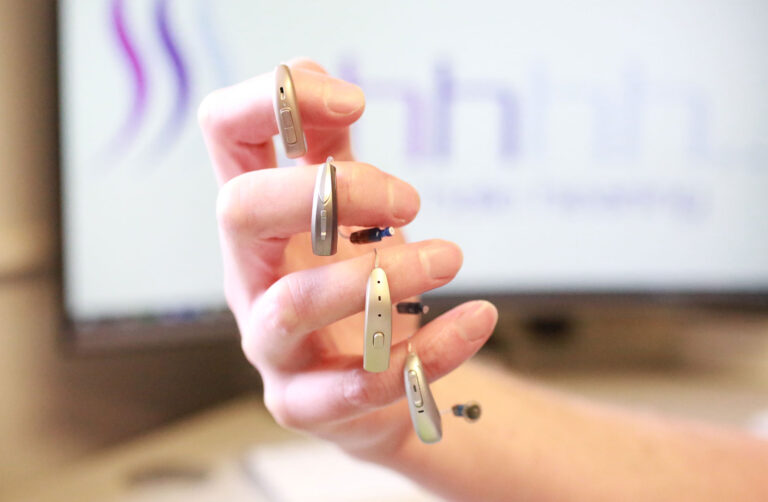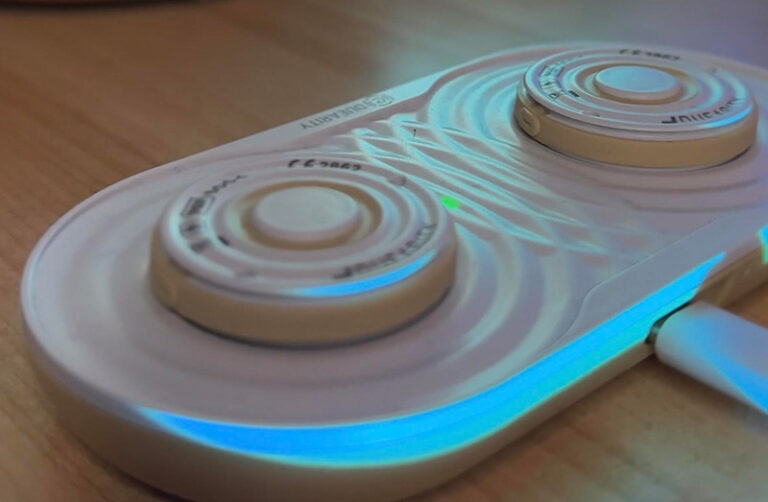
One of the joys of the latest in hearing aid technology is the ability to be able to pair with smart phone and similar Blue tooth enabled devices and to be able to control them directly from your hearing aids.
Different hearing aids will work/pair differently with different devices;
Let us take you through the menu for an MFi (Made for iPhone Hearing aid):
When pairing your digital hearing aids with iPhones and other smart phones
there are simple steps to follow:
- Ensure that Bluetooth is on. Go to Settings, then select Bluetooth.
- Open the battery doors to your hearing device, or restart your rechargeable device.
- On your Apple device, go to Settings >Accessibility > Hearing and select Hearing Devices.
- Close the battery doors on your hearing device. You Apple device will search for your hearing device.
- Under MFi Hearing Devices, tap the name of your hearing device.
- Tap Pair when you see the pairing request on your screen. If you have two hearing devices you will get two requests. Pairing could take up to a minute.
- You can start using your hearing device when you see it under MFi Hearing devices with a tick.
Control on lock screen will be on. Leave it on to control your hearing devices from the Lock screen (using the Accessibility Shortcut) and from the control Centre.
Remember, if you turn off your hearing devices, you will need to reconnect it when you want to use it with your smart phone again.
For non MFi hearing aids, such as the Phonak Audeo;
You connect the aids via Bluetooth only;
- Ensure that Bluetooth is on. Go to Settings, then select Bluetooth.
- Open the battery door to your right only hearing device, or restart your rechargeable device.
- Select Hearing aid and pair
- You are now set to take phone calls and stream sounds to your devices.
- Once connected the right hearing aid will then split the signal to both aids.
- Now download the MyPhonak App and follow the onscreen instructions to pair your devices with the app
The Phonak Audeo paradise is the perfect orchestration of features to personalise and create unrivalled sound quality. Features include:
- Speech Enhancer – enhances the peaks of a speech signal in quiet situations
- Dynamic Noise Cancellation – spatial noise cancellation working in combination with a directional beamformer
- Motion Sensor Hearing – detects if the user is stationary or moving plus how noisy the surroundings are.
Other features include:
- Compatible with the myPhonak 4.0 app which allows Steven Hale to test your hearing remotely.
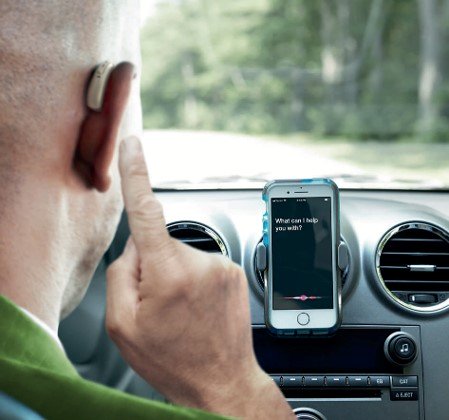
- The new, easy to use Tap Control function allows clients to accept/ end calls, pause/resume streaming and access voice Assistant apps.
Available in a range of settings from Essential to Premium, you surely will be in Paradise when you choose this hearing aid!
If you require support in pairing your devices don’t hesitate to contact us. We will be happy to help you.